
Free chess tool
Set up any position, then analyze it
Build any chess position from scratch — place any pieces freely, even multiple queens — choose the side to move, and hand it straight to Stockfish for instant analysis.
Free to use · no account required
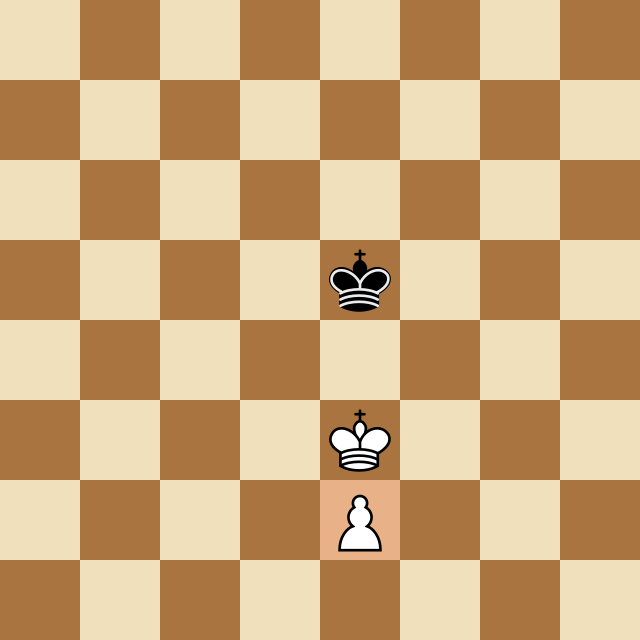
What it does
Everything in the Board Editor
Place any piece, anywhere
Drag pieces onto any square with no rules getting in the way — set up studies, endgames, or that position from your book.
Even illegal-looking material
Need three queens for a promotion study? Go ahead. The editor lets you build whatever position you want to explore.
Side to move & flip
Set whose turn it is and flip the board to your perspective before you analyze — the details that change the whole evaluation.
One-click to Stockfish
Hit Analyze and the position hands straight off to the analysis board, complete with best-move arrows and the eval bar.
Great for endgames & studies
Reconstruct an endgame, a puzzle, or a training position from a book or video and see exactly how the engine handles it.
Free, no account
Set up and analyze as many positions as you like. Free for everyone, no signup required.
How it works
Up and running in seconds
Clear the board
Start from the opening position or wipe it clean to build from nothing.
Place your pieces
Drag any pieces onto any squares to reconstruct the position you want.
Set the side to move
Choose whose turn it is and flip the board to your side if you need to.
Analyze
Click Analyze and Stockfish takes over on the analysis board — arrows, eval, the works.
FAQ
Common questions
Is the Board Editor free?
Yes. You can set up and analyze unlimited positions for free, with no account required.
Can I place pieces illegally?
You can place pieces freely — including material that couldn't arise in a normal game, like multiple queens — which is perfect for studies and puzzles. Both kings must be on the board to run the engine.
How do I analyze the position I built?
Set the side to move and click Analyze. The editor hands your position to the analysis board, where Stockfish shows best-move arrows and the evaluation.
What is it good for?
Reconstructing endgames, puzzles, and training positions from books or videos, and exploring 'what if' setups you can't reach in a normal game.
More free tools
Keep improving
Analysis Board
Drop in any game or position and let Stockfish do the heavy lifting — best-move arrows, a live evaluation bar, and full move navigation.
Opening Explorer
A curated library of the main openings for White and Black.
Puzzle Trainer
Sharpen your tactical eye on 3,100+ ELO-rated puzzles that get harder as you improve.
Try the Board Editor now
Build any chess position from scratch — place any pieces freely, even multiple queens — choose the side to move, and hand it straight to Stockfish for instant analysis. Free, in your browser, no account needed.